HELP & TERMS
Being confused is part of learning.
Look for symptoms, not technical terms. Start from a simple check before repeating the generate.
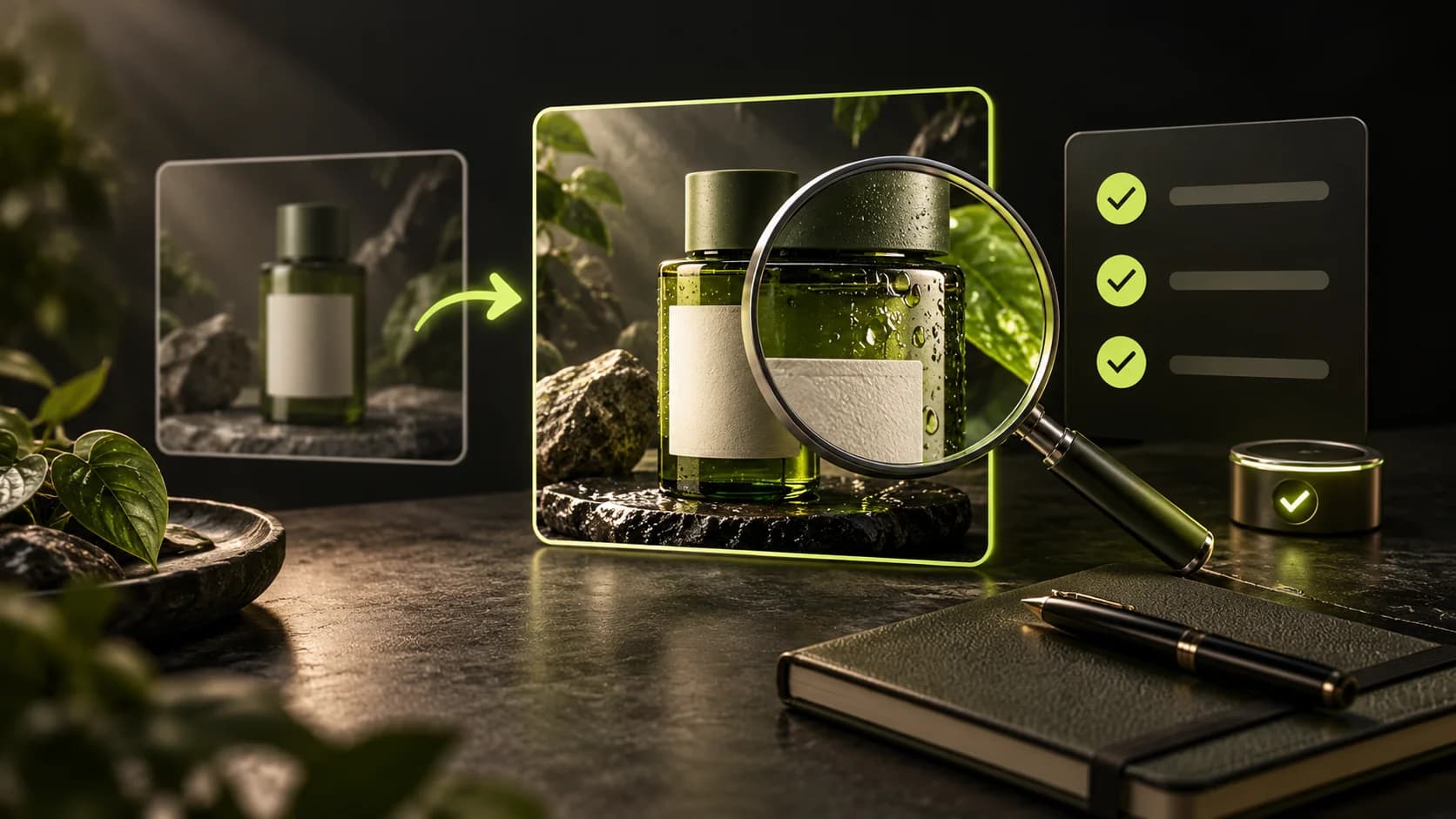
Check the details, task status, and error messages before trying again.
Shape, resolution, duration: what is the difference?
Shape (ratio) is the ratio of the width and height of the frame. 9:16 looks tall, while 16:9 looks wide.
- Resolution = number of pixels
- Pixels are small dots that make up an image. Example of horizontal video: 1280 × 720 pixels (720p) and 1920 × 1080 pixels (1080p) are both 16:9. The second one has more pixels, not a longer duration.
- Duration = length of video or sound
- Example: a 5 second video finishes faster than a 10 second video. Still images do not have a playback duration. Duration options follow the available models.
- AI model = the engine that creates your result
- Each model can have different shape, resolution, duration, sound and cost options. Start from the options available on the tool, then read the cost calculations.
- Quote = the price shown before generation
- Check the SC (SCENRA Credits) amount before pressing Generate. Changing the model or settings may change the price. Academy exercises do not use credits.
These examples explain the terms. The available settings and actual prices depend on the SCENRA tool when you open it.
Common questions
AI Help failed or returned 524
524 means a suggestion was not successfully received. Use Recover suggestion when available to recover the same request. Check Usage; do not assume every new attempt is free.
Learn the stepsSave project failed
Open edits may not be saved. Do not choose Reload saved project before copying important changes. Retry Save project after the connection recovers; if it still fails, record the project and error message for support.
Learn the stepsVideo still says Being verified
This status does not confirm the final result. Check the same task and keep its job ID. Do not generate again just because the thumbnail is missing. If it remains stuck, send the job ID and time to support.
Learn the stepsCannot log in or enter account
Open Sign in in SCENRA. If using Google, allow the login window in the browser and try again with the correct account. If you use a wallet, check the connection of the wallet you choose. Don't give your password, code OTP, or seed phrase to anyone else. Note the error message and time UTC if it still fails; do not repeat payments or create new accounts to resolve them.
Learn the stepsGeneration prices differ
Choose the model and settings, then check the current price before generating. Academy does not award credits.
Learn the stepsGenerate is old or seems to have stopped
Open the details of the same assignment and note the job number. Check the status before creating a new one. Cancel is only available while the task can still be cancelled. Include the number and message that appears when requesting help.
Learn the stepsLabel or logo changes
Use sharp photos, reduce movement, and limit product changes. AI results do not guarantee correct spelling. Proofread text or logos with appropriate editors before publication.
Learn the stepsVideo has no sound
Check the model audio support and settings, mute button, and download files. If you need a new narrative, use Text to speech then Add narration.
Learn the stepsThe brand voice is mispronounced
Try short scripts and spelling sounds. Skenra can help with pronunciation; the writing on the logo remains SCENRA. Listen to each result.
Learn the stepsMusic is missing after Change voice
Change voice switches voice lines. Add back music or effects via Add narration in the appropriate output.
Learn the stepsNarration cuts off during Merge
The duration of the results follows the video. Shorten the script or choose a longer video before merging.
Learn the stepsAlready paid, credit has not yet been received
Check orders at Payments. Don't repay without checking. Record order number, time, and proof of payment without sensitive data.
Learn the stepsOld files cannot be opened
Sources may be deleted or past their shelf life. Available credit is not a guarantee that files will be kept forever. Download important works.
Learn the stepsThe tutorial menu has not appeared
Availability depends on your account, catalog and release. Check the Feature map. Cinema, Editing Video and narration have dedicated guides; features marked as not yet available cannot be tried.
Learn the stepsEditor preview stutters
Enable the lighter preview when your device struggles. Preview quality is separate from export quality. Wait for media to load; use Shortcuts or ? to find available keys.
Learn the stepsCannot find a file in the gallery
Use Uploads for your uploads, Generations for account results, or other available collections. SCENRA gallery is a sample collection, not your entire private library. Choose another available source. The gallery is not a permanent backup; download important media before it expires.
Learn the stepsReplace+Move Generate is disabled
Choose exactly one replacement photo and a video containing one person. The source is 2–30 seconds, up to 10 MB; output is 720p. Generate stays disabled until both valid inputs are ready.
Learn the stepsNOT SOLVED YET?
Prepare reports that are easy to search for.
Submit via the official helpline displayed on your account. Do not include the password, OTP, or key API.
Terms in plain language.
- SC
- SCENRA Credits: unit of service usage credit, not a crypto token.
- AI
- Artificial Intelligence or artificial intelligence. The results still need to be checked.
- Prompt
- Instructions about the outcome you want: scene, movement, or script.
- Quote
- Calculation of costs for selected settings before confirmation.
- Job
- One processing task. The number helps track status and problems.
- Aspect ratio
- Width to height ratio: 9:16 vertical, 16:9 horizontal, 1:1 square.
- Resolution
- Media detail size. Higher options may increase costs and file size.
- First / last frame
- Start or end image to direct video on supported models.
- Shot / storyboard
- A shot is one scene. Storyboard is a visual layout of the story plan.
- SFX
- Sound effects or sound effects, for example whoosh, footsteps and rain.
- UGC
- User-generated content: user-generated content. UGC style is not real testimonial proof.
- UTC
- Coordinated Universal Time: a shared time reference for tracking events.
- OTP
- One-time password: one-time verification code. Don't share it.
- Recreate
- Using work information as the start of new work, with its own costs and results.