SCENRA FEATURE MAP
Right idea. The right tool.
Find a tool, learn the flow, then open it directly in SCENRA. The practice link opens a new tab and may require login.
Status reflects the guide released on 30 October 2026, not a live service check. Models and menus follow your account and current catalog. Learning and template practice are free; optional AI help shows the SC cost before running.
30 tools found

Generate Image
Images from text and references.
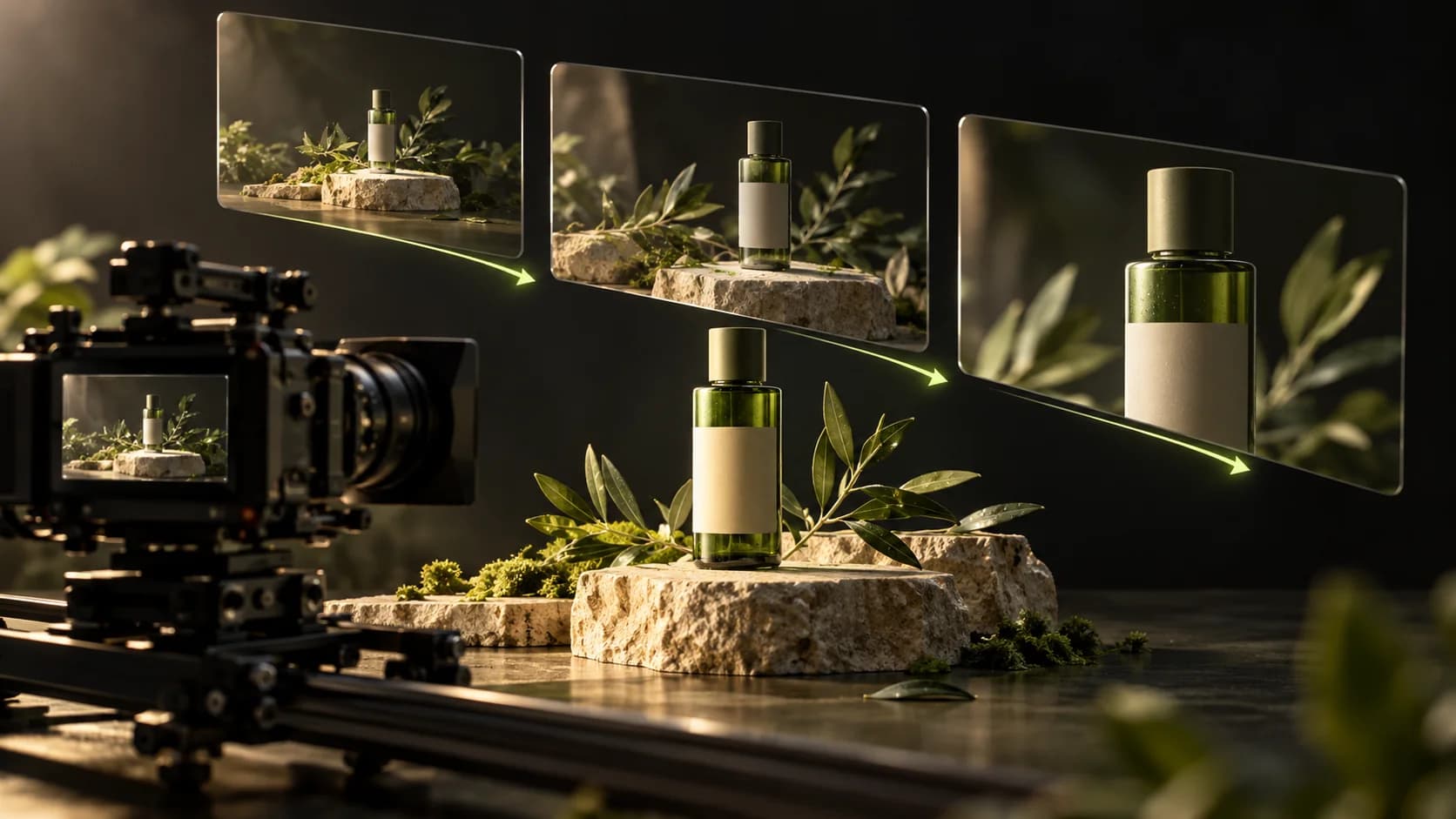
Generate Video
Clips of ideas, photos, or references.
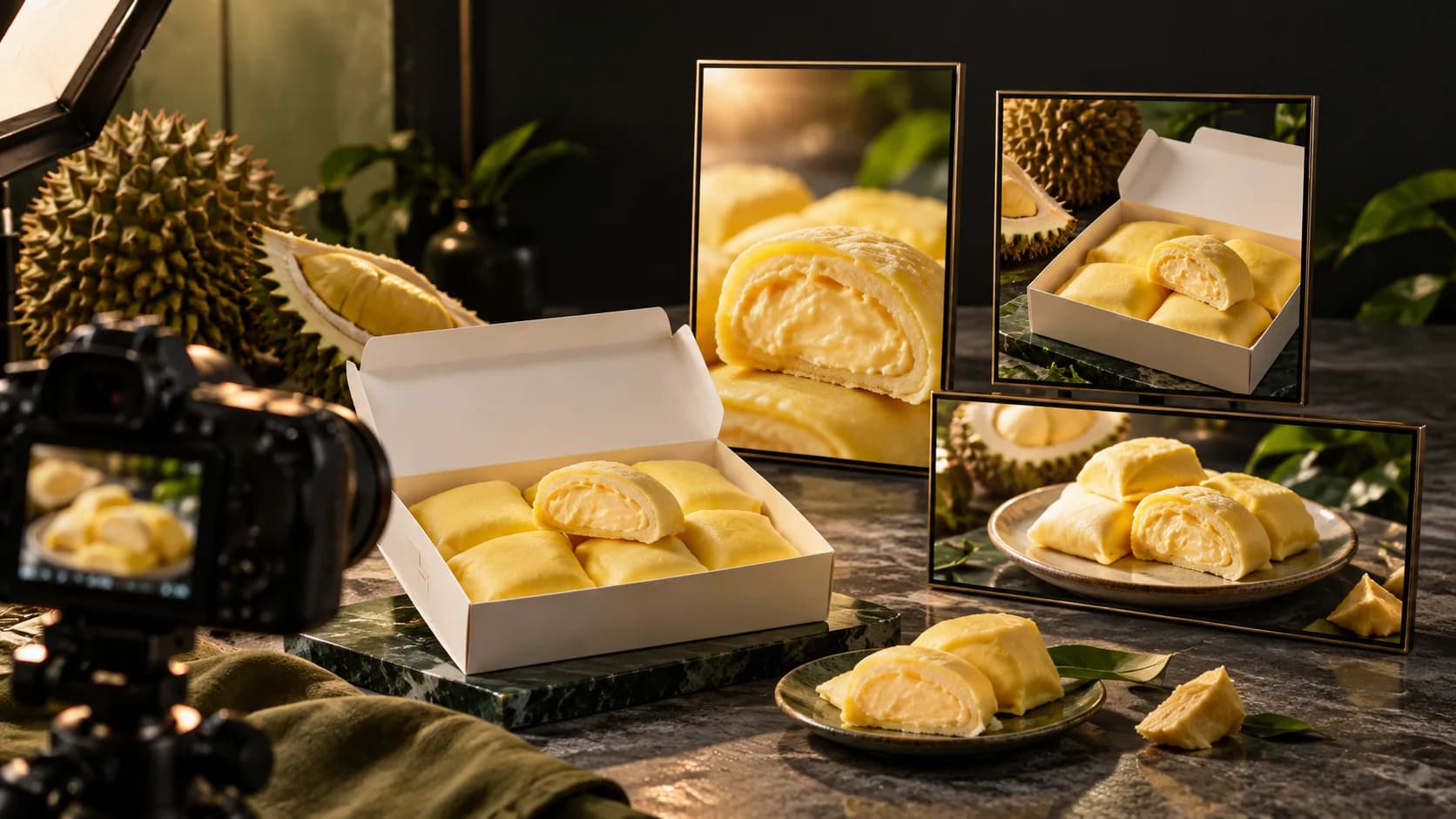
Marketing Studio
Images and videos for product promotion.
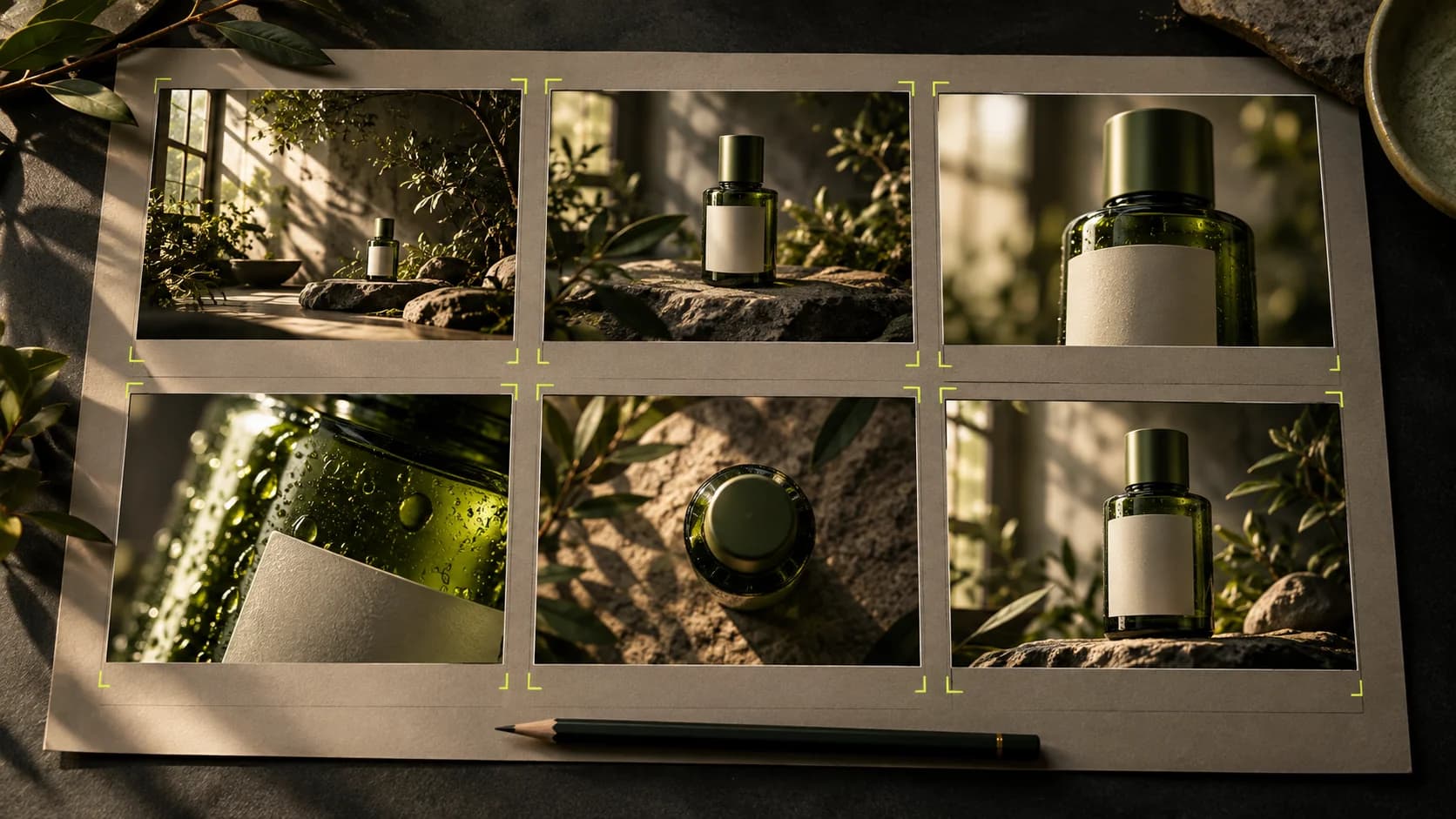
Storyboard
Plans and drawings per scene.
Project references
Choose saved images or videos without downloading and uploading them again.
Video Editing
Arrange media, text, animation, transitions, and captions per word or karaoke.
Text to speech
Narrative, dialogue, Tags, and setting.
Change voice
Change the sound of the account's video.
Sound effect
Transition sounds and atmosphere.
Music
Background music from the description.
Remix
Rework uploaded audio with new style directions.
Stems
Separate audio parts supported by the model.
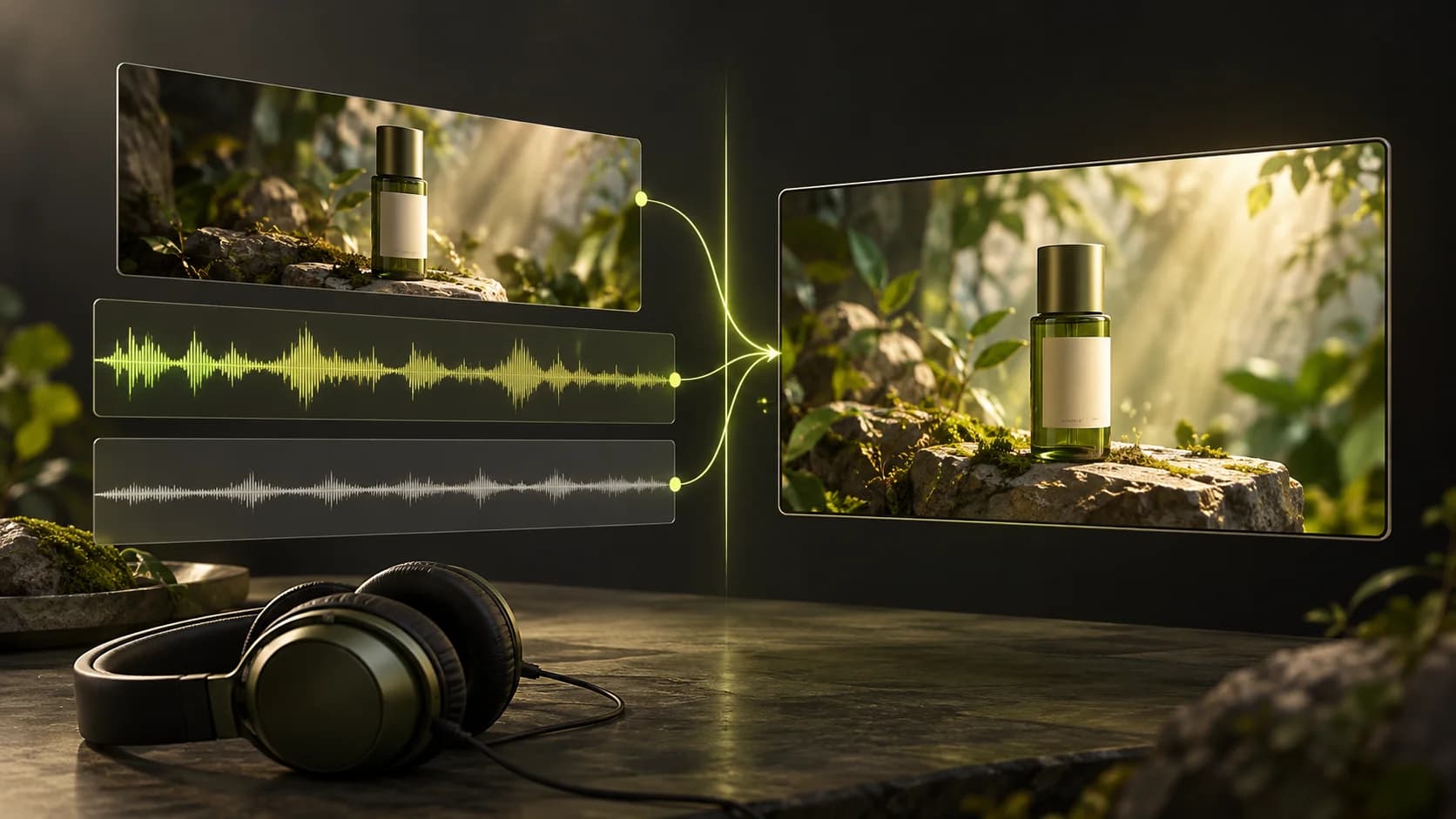
Add narration
Select audio then Put on a video.
Community
Public work and inspiration.
My posts
Manage published work.
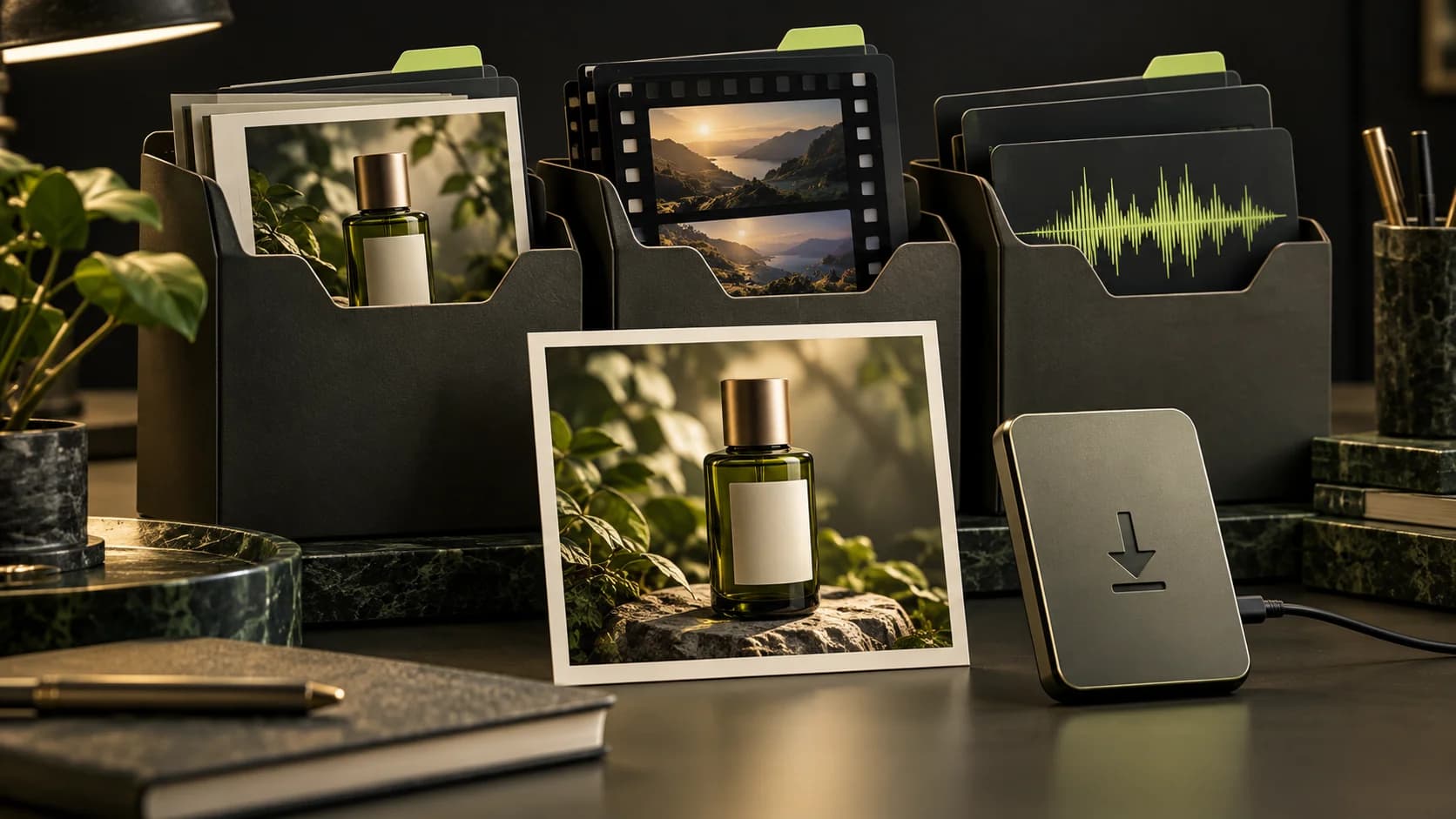
My projects
Project; the results are also in the original tool.
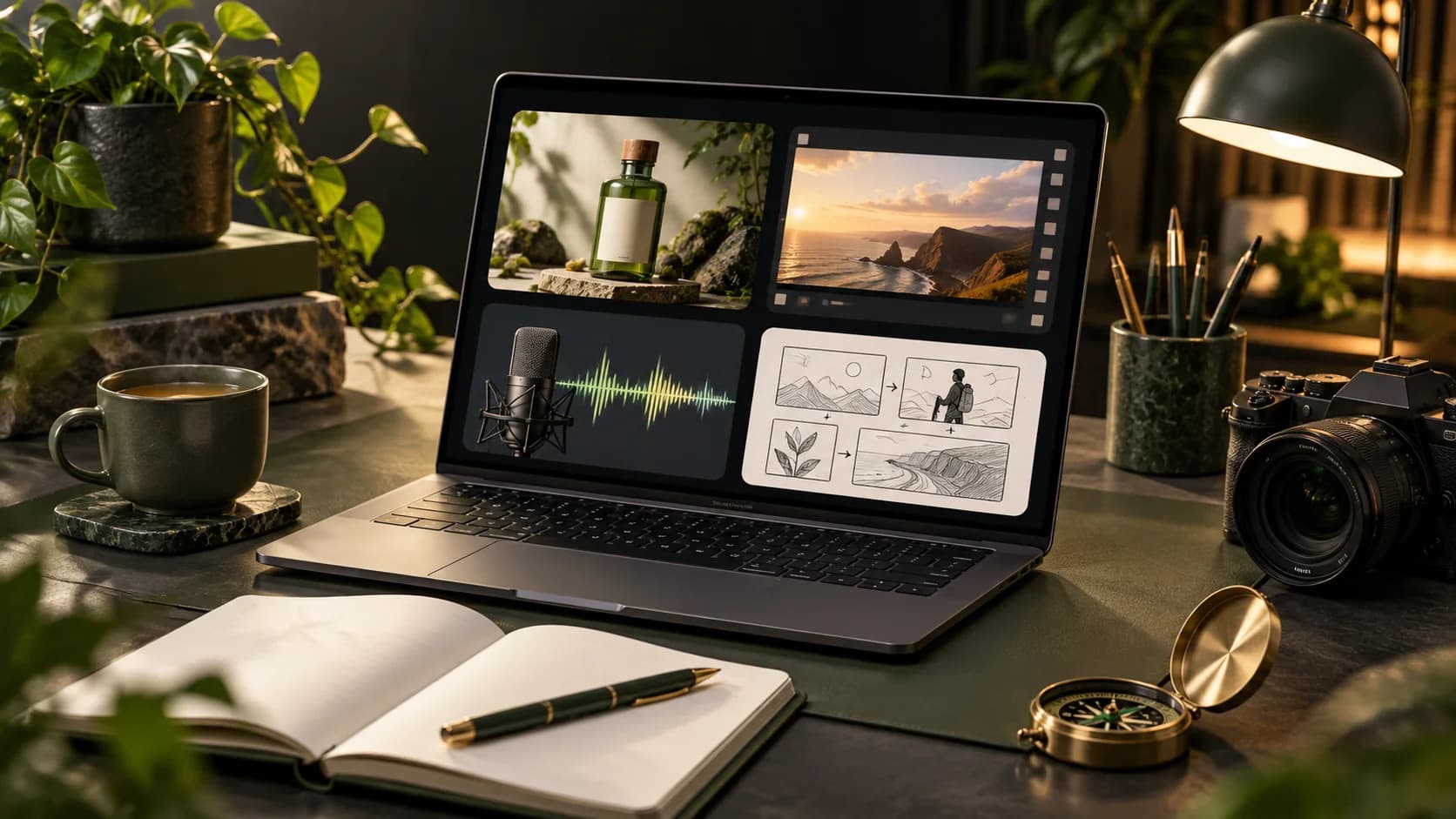
Profile & account
Linked profiles and identities.
Credits & plans
Balance and credit options.
Usage
Credit usage history.
Payments
Order status and proof of payment.
Pricing
Package prices offered.
Promo code
Use the applicable code if you have it.

Product Link
Check import capabilities; not all sites can be read.

Brand kit
Brand page. Automatic use of all results has not been promised.
Cinema
A story per project with characters, costumes, locations, sound, and scenes assembled into a film.
Account media gallery
Choose saved images or videos without downloading and uploading them again.
Production direction · Marketing
Distinguish project style, marketing styles and image or video production direction.
Production direction · Cinema
Distinguish project style, marketing styles and image or video production direction.
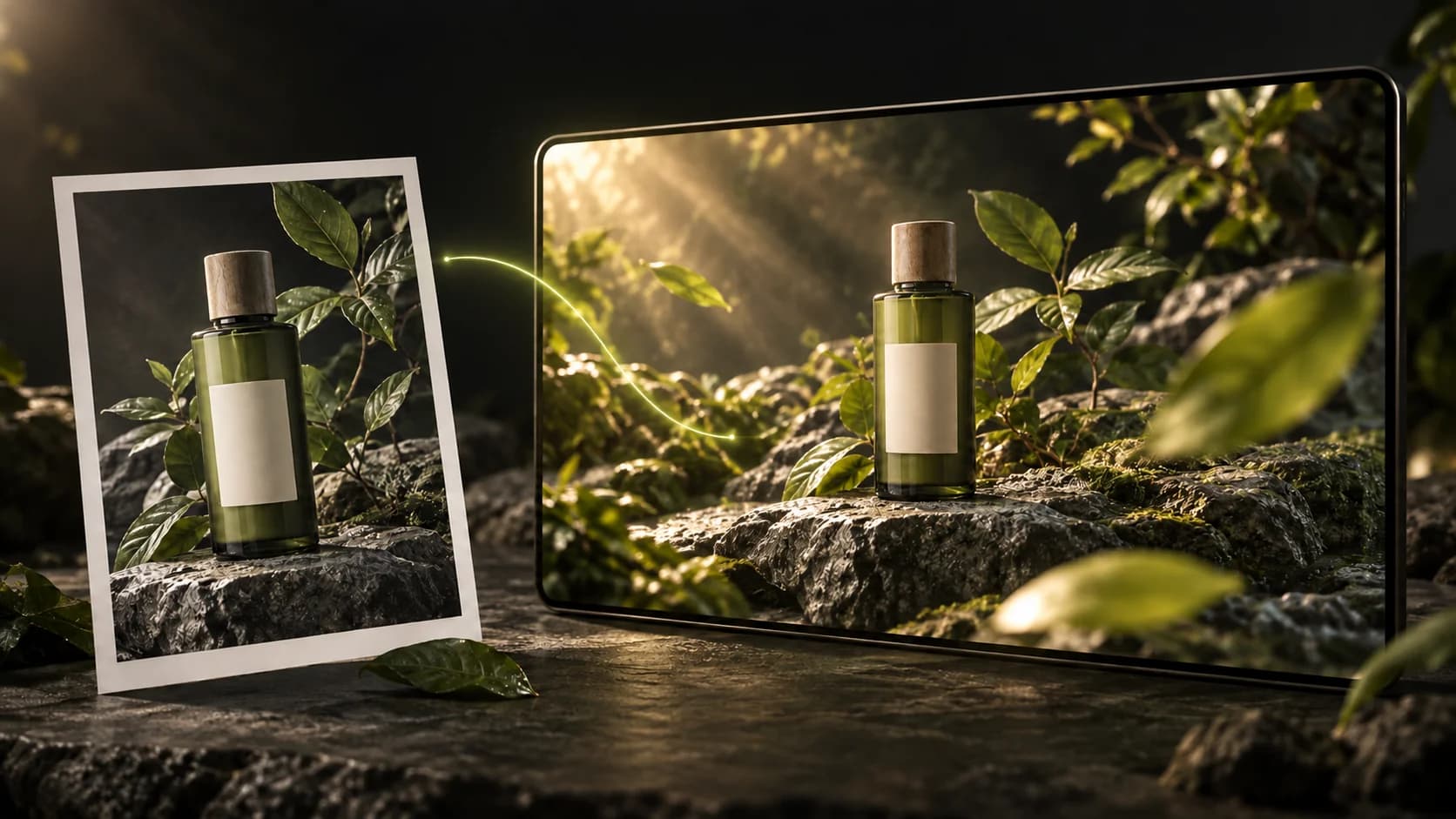
Replace+Move
Use one photo and a source video, then review the resulting motion and audio.
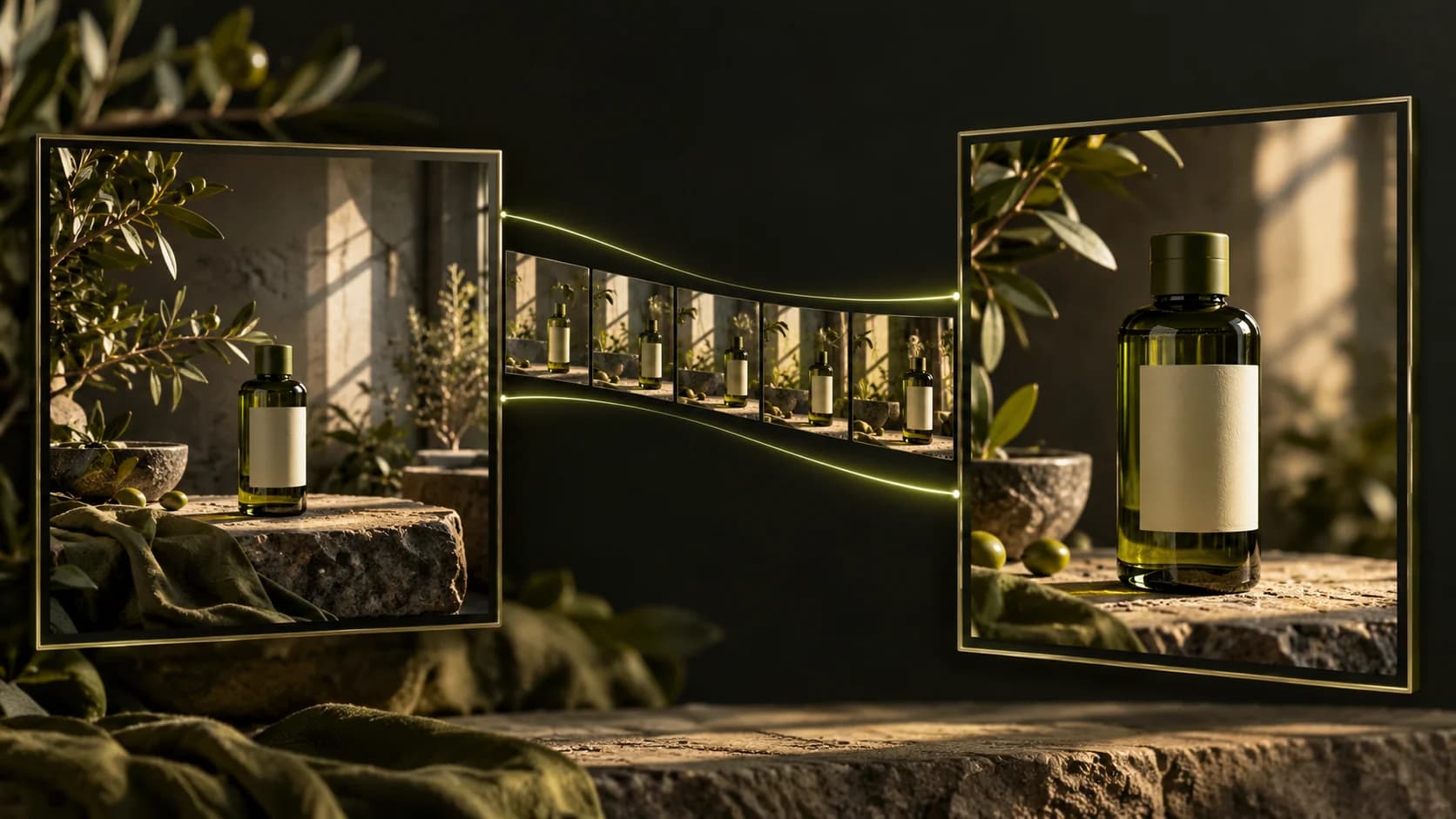
Video to Prompt
Analyze a reference, review its description, then use it for a new creation.