GUIDE LIBRARY
Learn what you need.
One guide, one new ability. Complete with steps, example prompts, common mistakes, and a short quiz.
Guides found: 29
 Studios
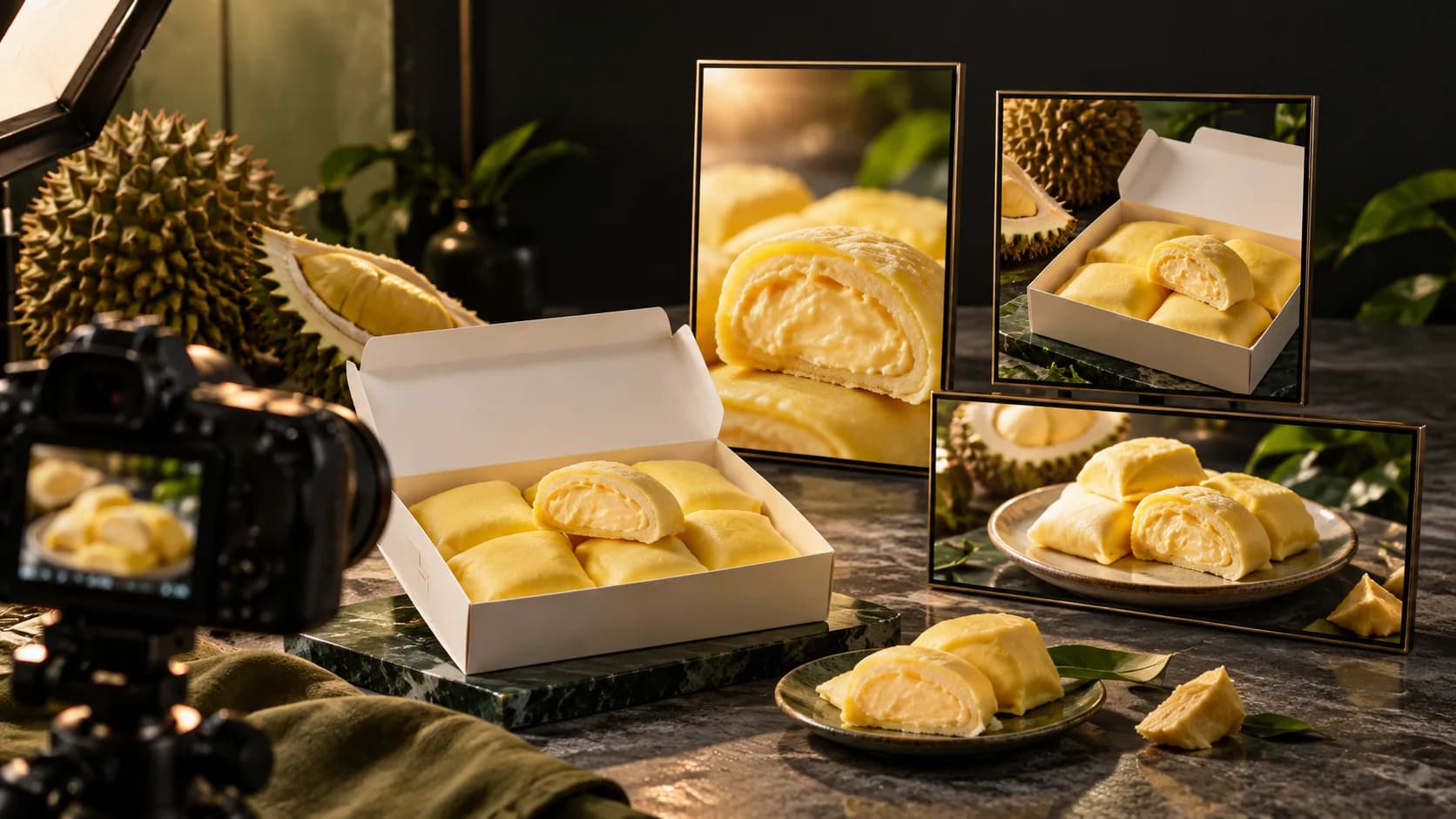
Prompt of original style and references
Choose a style, look at the prompt, then ask AI Help to read your product and reference images.
 Studios
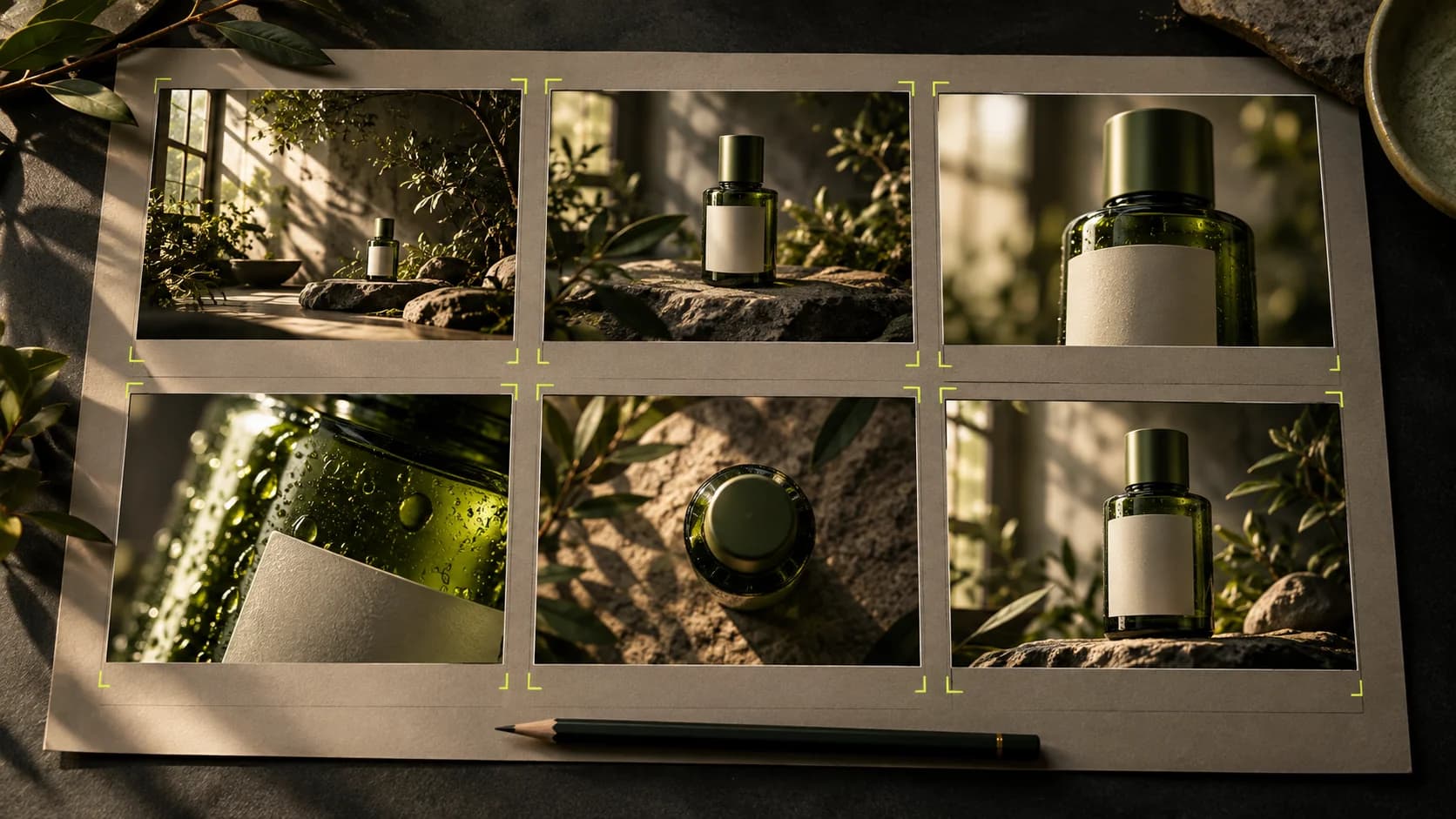
One consistent story, characters and voice
Build a Cinema project from faces, costumes, locations and sound to a series of scenes.
 Images & videos
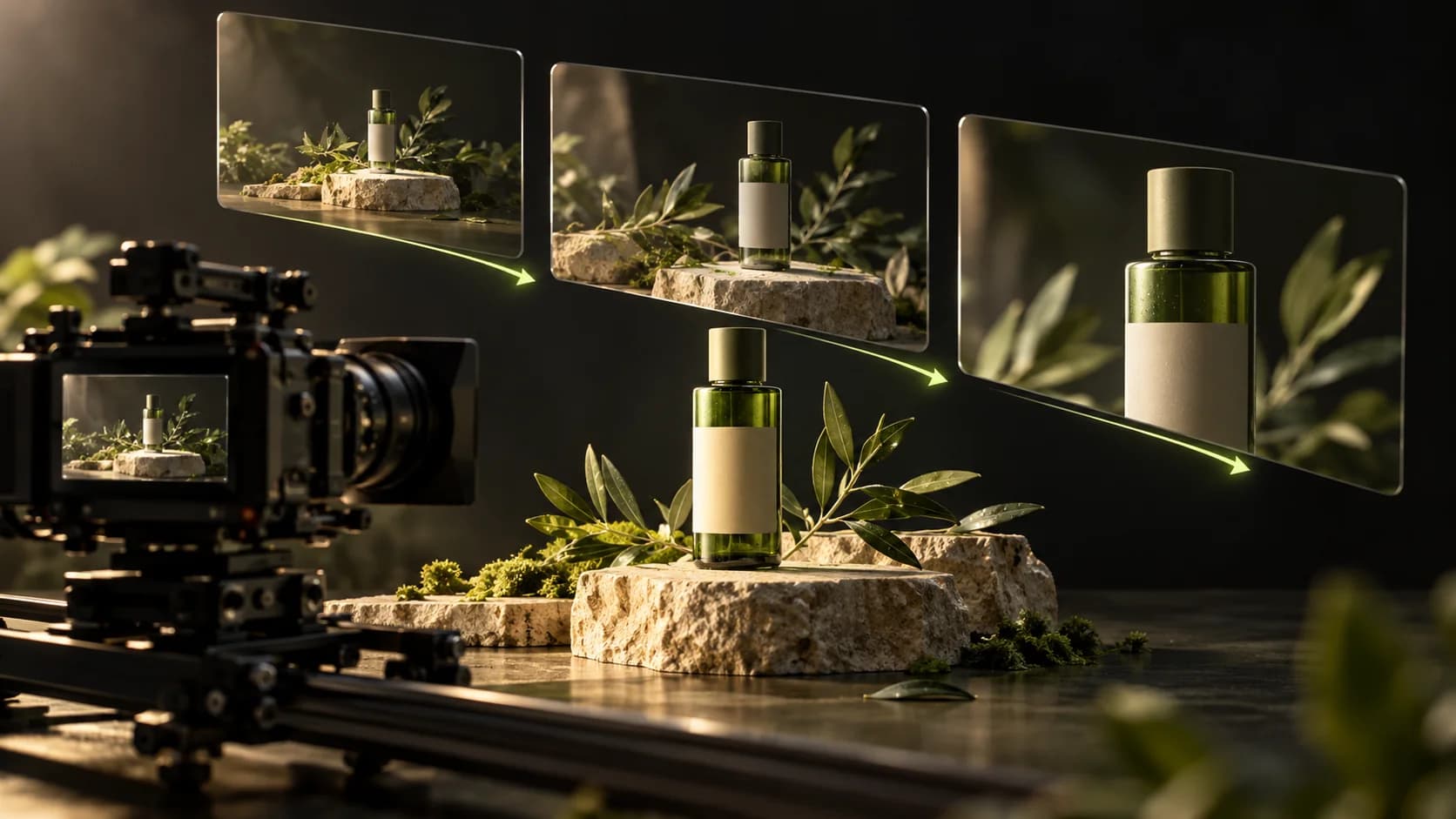
From Assets to video ready to export
Use the Generate results, arrange the layers, then add text, transitions, and word or karaoke captions.
 Works & accounts
Link the wallet with the correct account
Understand how a Robinhood wallet, your account email and a wallet replacement request fit together.
 Images & videos
Reuse media from your account gallery
Choose saved images or videos without downloading and uploading them again.
StudiosSet Production direction for each Studio
Distinguish project style, marketing styles and image or video production direction.
 Images & videos
Replace a performer with Replace+Move
Use one photo and a source video, then review the resulting motion and audio.
 Images & videos
Turn a video reference into a prompt
Analyze a reference, review its description, then use it for a new creation.
Images & videosRefine edits, captions and exports
Use lighter previews, caption tools, beat markers and a final review.
Start hereGet to know SCENRA first
Find the path from idea to your first work. No need to understand the term AI first.
 Start here
Understand credits before creating
Know costs, balances, and what happens while jobs are still being processed.
 Start here
Write prompts that are easy to understand
Start with a subject, action, place, and one clear visual direction.
 Images & videos
Create your first product image
From reference photos to visuals that are ready for you to review for promotions.
Images & videosTurn ideas into short videos
Choose one scene, one movement, and a duration that fits the model.
Images & videosMake product photos feel alive
Move the camera and scene without changing the product identity.
Images & videosGuide your video with references
Understand reference clips, sequels, and prequels according to the model's capabilities.
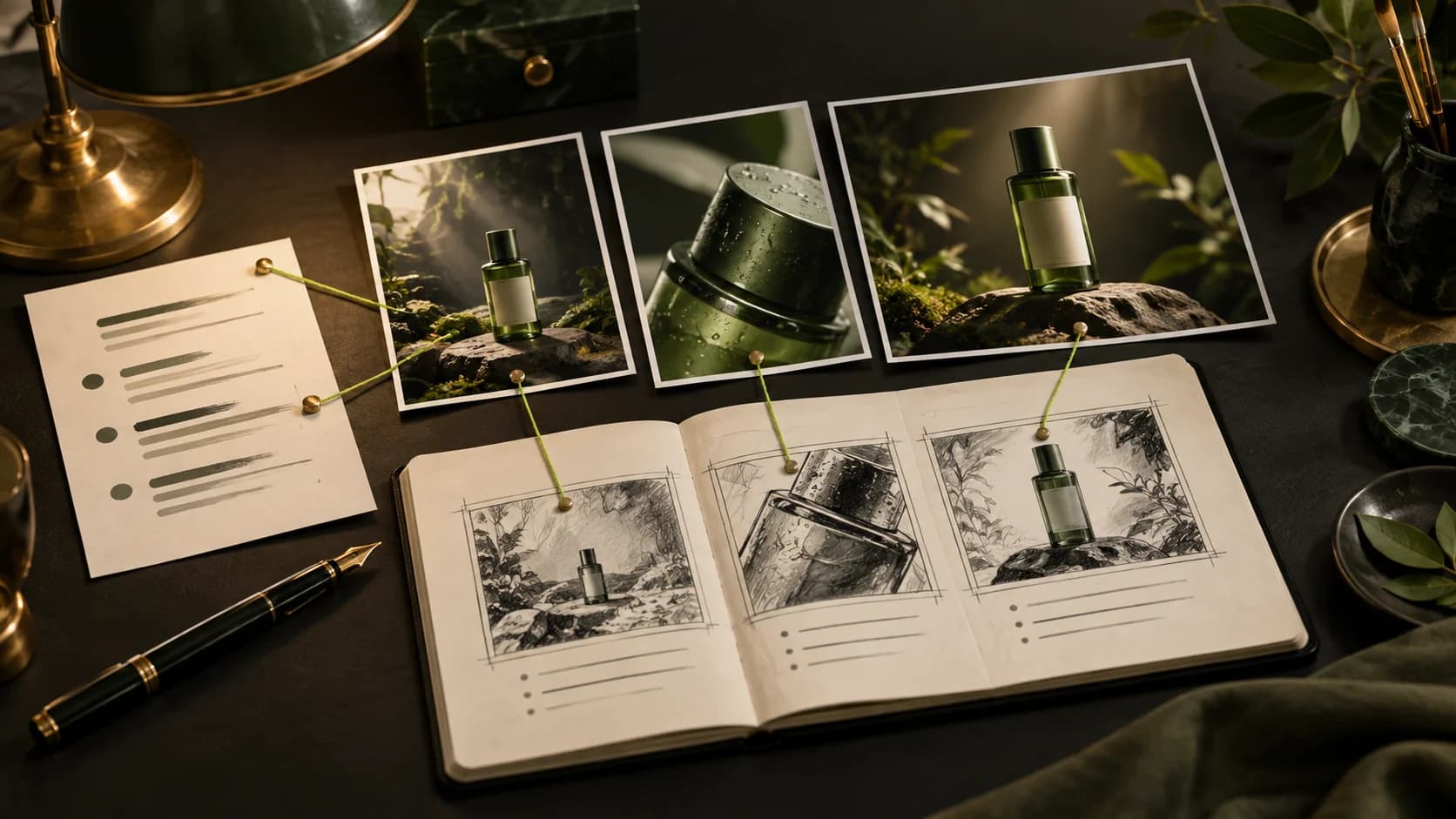
StudiosCreate product promotions on Marketing Studio
From a product photo to an ad with your chosen style and references.
 Studios
Organize the script with the help of AI
Use Script and Write with AI as starting points for stories that you still control.
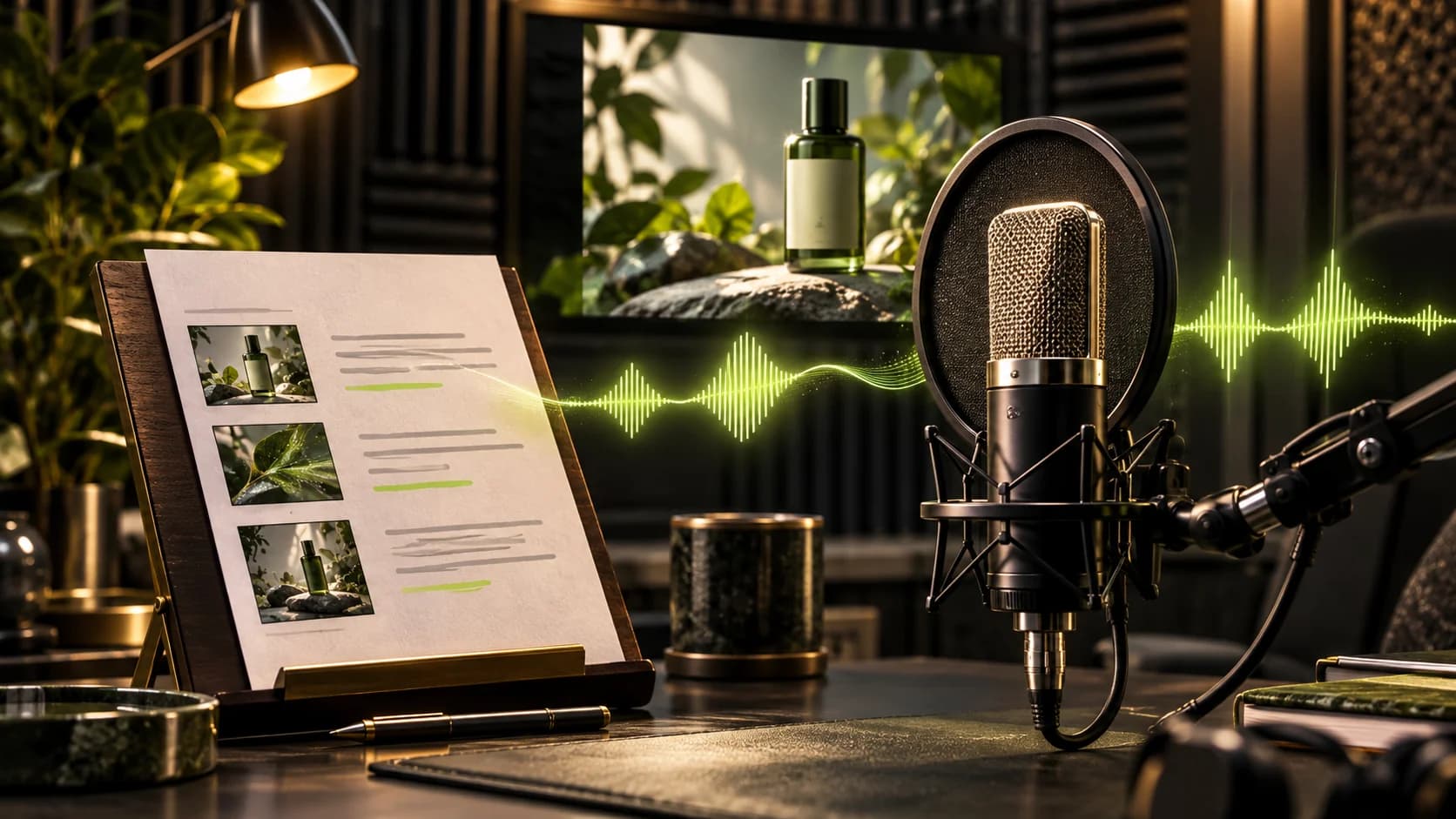
StudiosBuild the story scene by scene
Marketing Studio storyboard: idea, references, duration, clips and narration for each scene.
 Sound & music
Give your story a voice
Choose a voice, listen to examples, then turn the script into a narrative.
 Sound & music
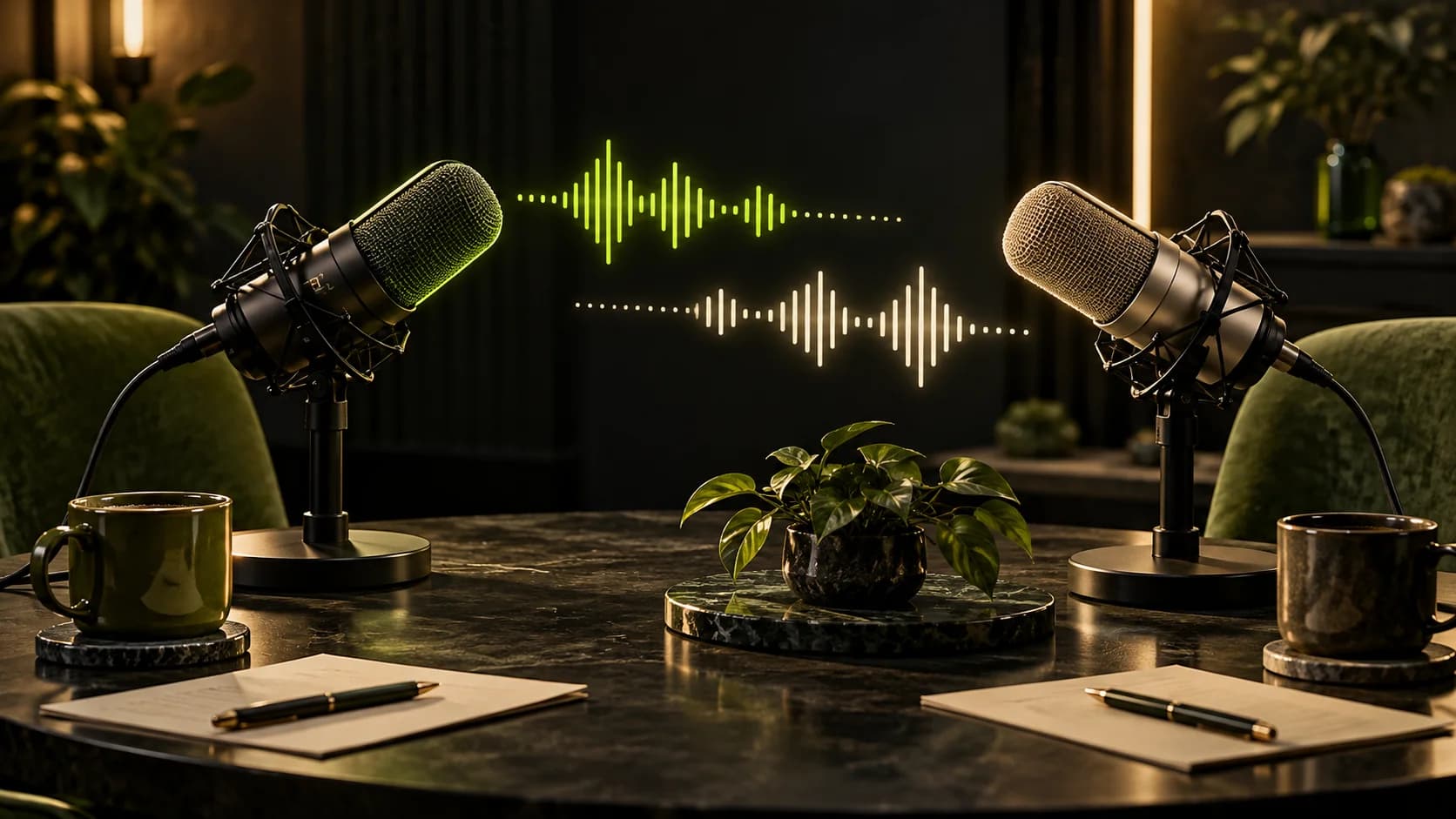
Create a conversation between two characters
Choose speakers, click a name, then write the line in The conversation.
 Sound & music
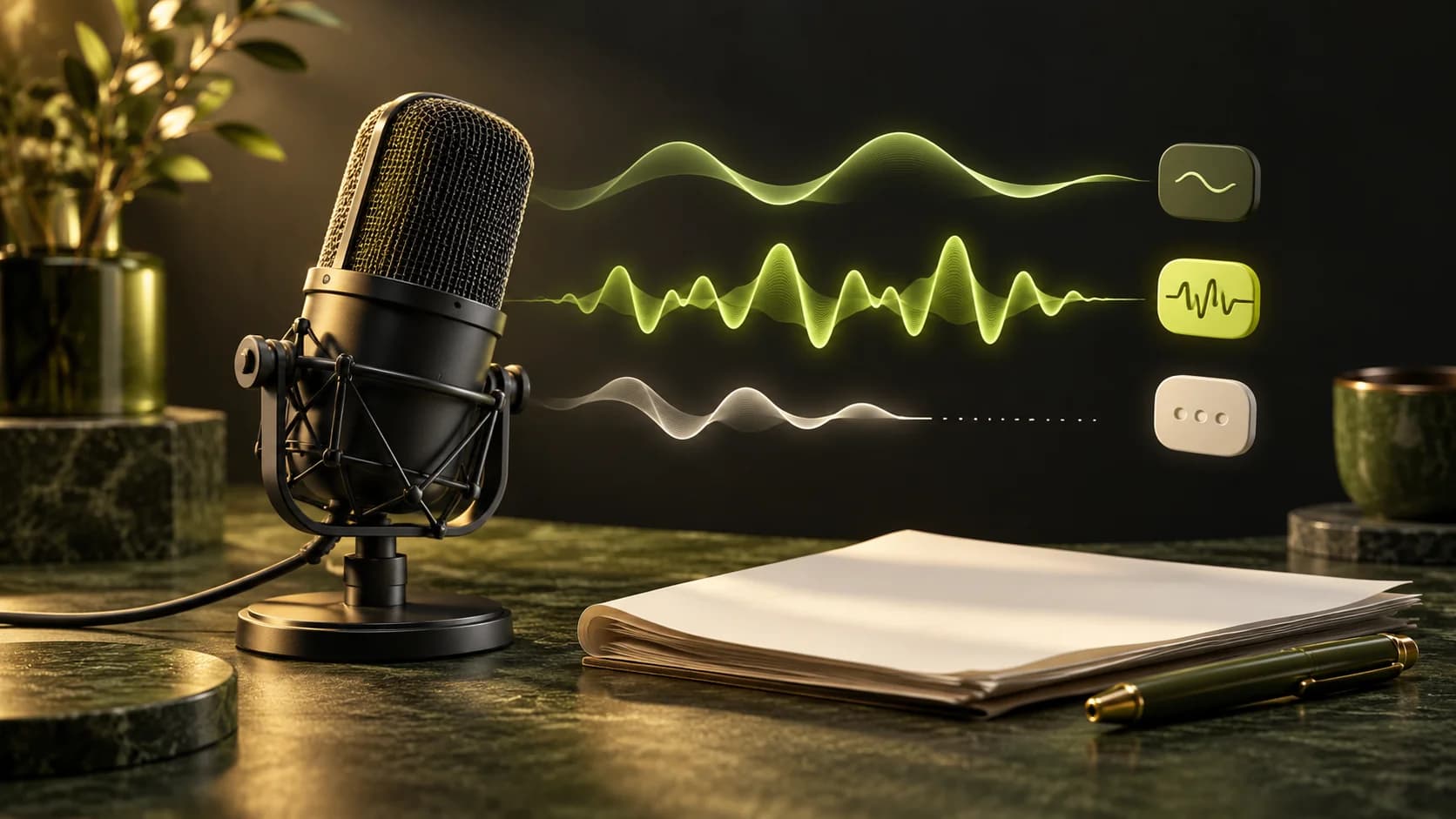
Make the narrative more expressive
Use Tags and Auto-tags while staying in control of your words.
 Sound & music
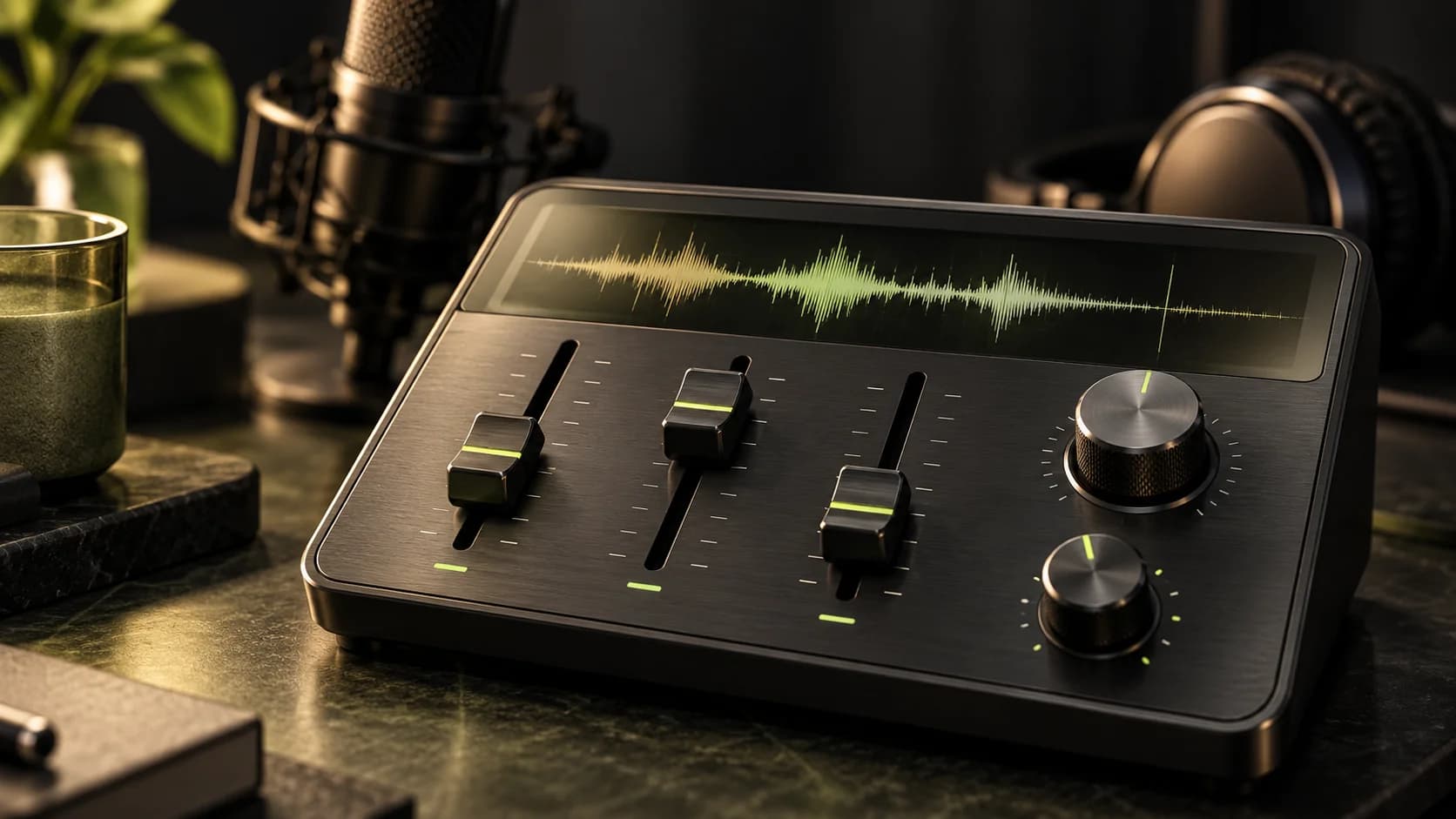
Find the right voice character
Get to know Stability, Similarity, and Speed with a little experiment.
 Sound & music
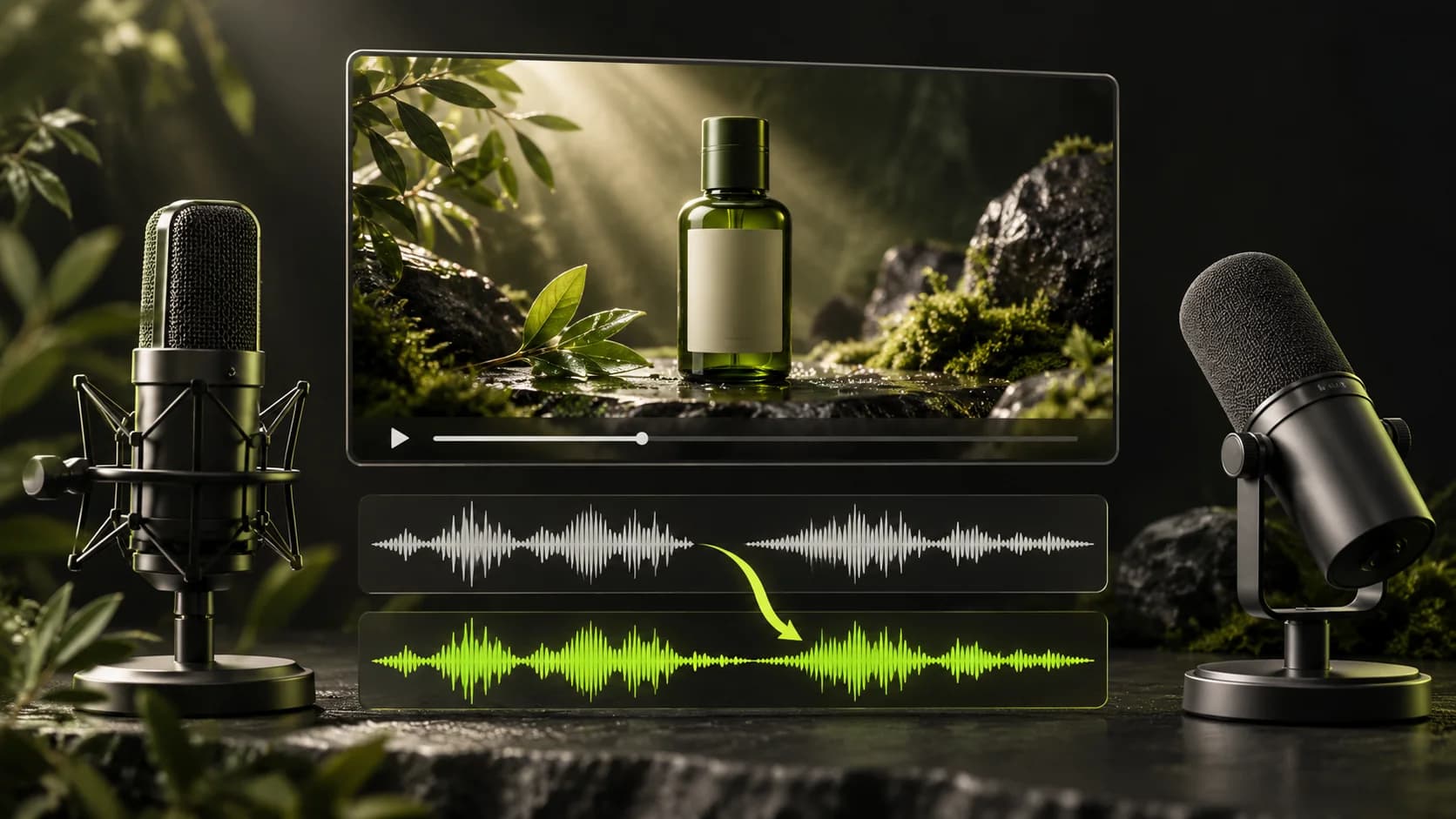
Change the voice in a video
Maintain video, choose new voice characters, and understand the limits.
 Sound & music
Build the atmosphere with music and effects
Describe the sound, then create promotional supporting audio.
 Sound & music
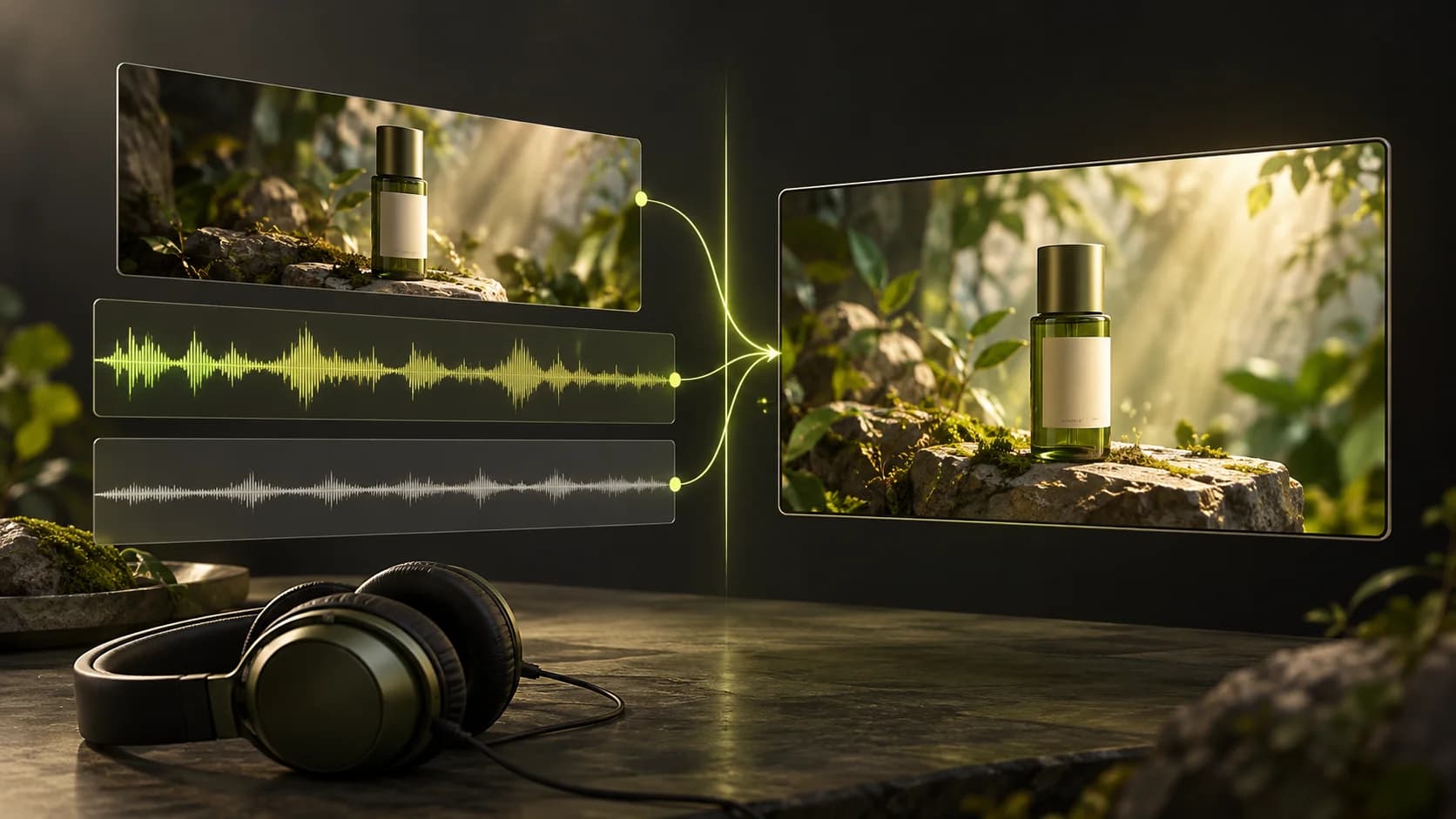
Put narration on the video
Put together finished video and audio with the Add narration.
Works & accountsFind and save your work
Organize results, projects and downloads so they're easy to find again.
 Works & accounts
Share work to Community
Publish consciously, then learn from other users' work.
 Works & accounts
If the results don't match, start here
Distinguish between mismatched results, failed tasks, and account issues.