FOR VISUAL CREATORS
From pictures to stories
Study references, movements, and scenes that feel connected.
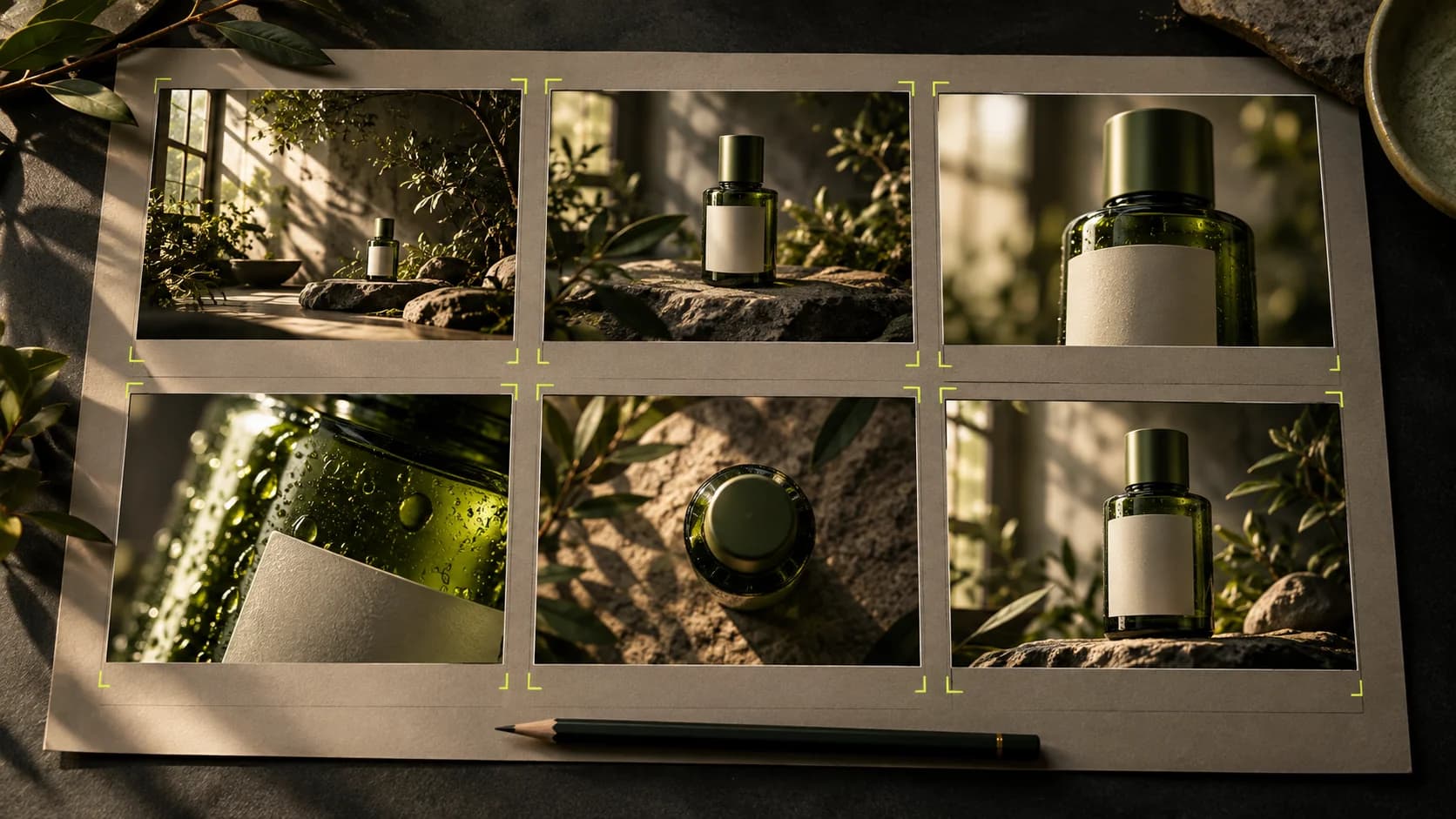
Choose the model and settings, then check the current price before generating. Academy does not award credits.
Write prompts that are easy to understand
Start with a subject, action, place, and one clear visual direction.
Reuse media from your account gallery
Choose saved images or videos without downloading and uploading them again.
Create your first product image
From reference photos to visuals that are ready for you to review for promotions.
Make product photos feel alive
Move the camera and scene without changing the product identity.
Turn ideas into short videos
Choose one scene, one movement, and a duration that fits the model.
Replace a performer with Replace+Move
Use one photo and a source video, then review the resulting motion and audio.
Turn a video reference into a prompt
Analyze a reference, review its description, then use it for a new creation.
Guide your video with references
Understand reference clips, sequels, and prequels according to the model's capabilities.
Build the story scene by scene
Marketing Studio storyboard: idea, references, duration, clips and narration for each scene.
One consistent story, characters and voice
Build a Cinema project from faces, costumes, locations and sound to a series of scenes.
From Assets to video ready to export
Use the Generate results, arrange the layers, then add text, transitions, and word or karaoke captions.
Find and save your work
Organize results, projects and downloads so they're easy to find again.